Camhi P2P Metal Shell 4K 8MP IMX415 5MP 2MP FHD 4G Wifi IP Camera Outdoor IP66 Car Bus Came Security CCTV Surveillance
NOTICE:
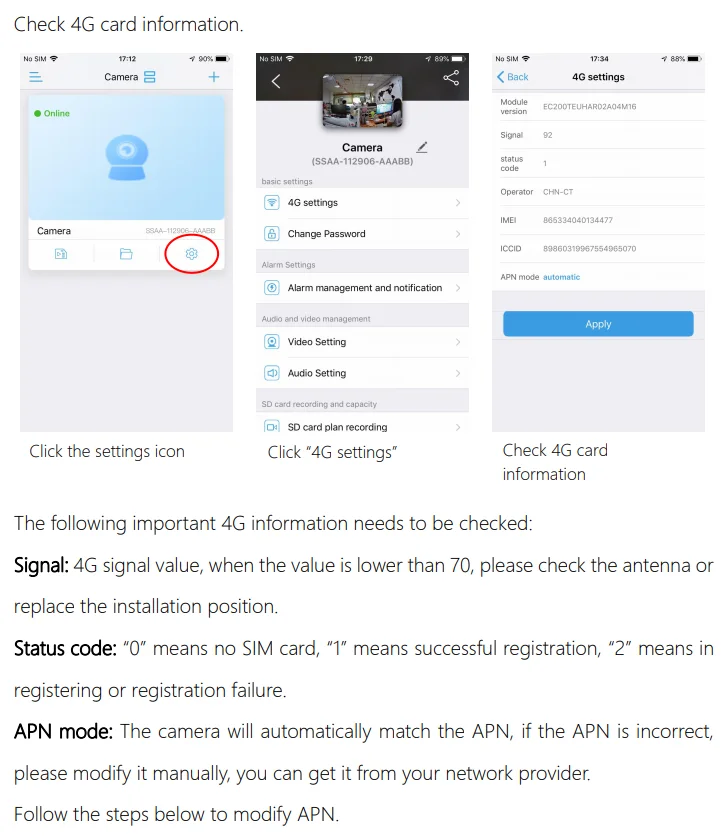
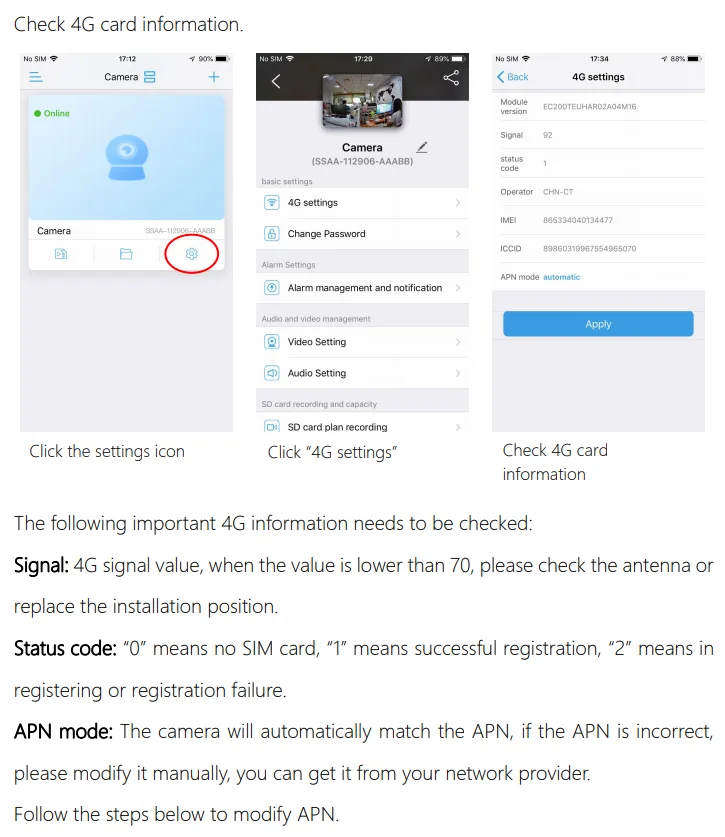
3G 4G SIM Card Connection
This security surveillance camera Works with 3G/4G SIM-card, you can use this in the place without internet or wifi.
Even there is no WI-FI, you still can monitor the surveillance area you want.
4G LTE CameraFeatures:
1. High sensitivity and high SNR Micro Megapixel CMOS sensor
2. 5MP (2560*1920)and 1080P(1920*1080) real-time output optional
3. IP66 Waterproof and Dust-proof
4.Support video picture flip / mirror
5. Support 2.4G WiFi or 4G sim card
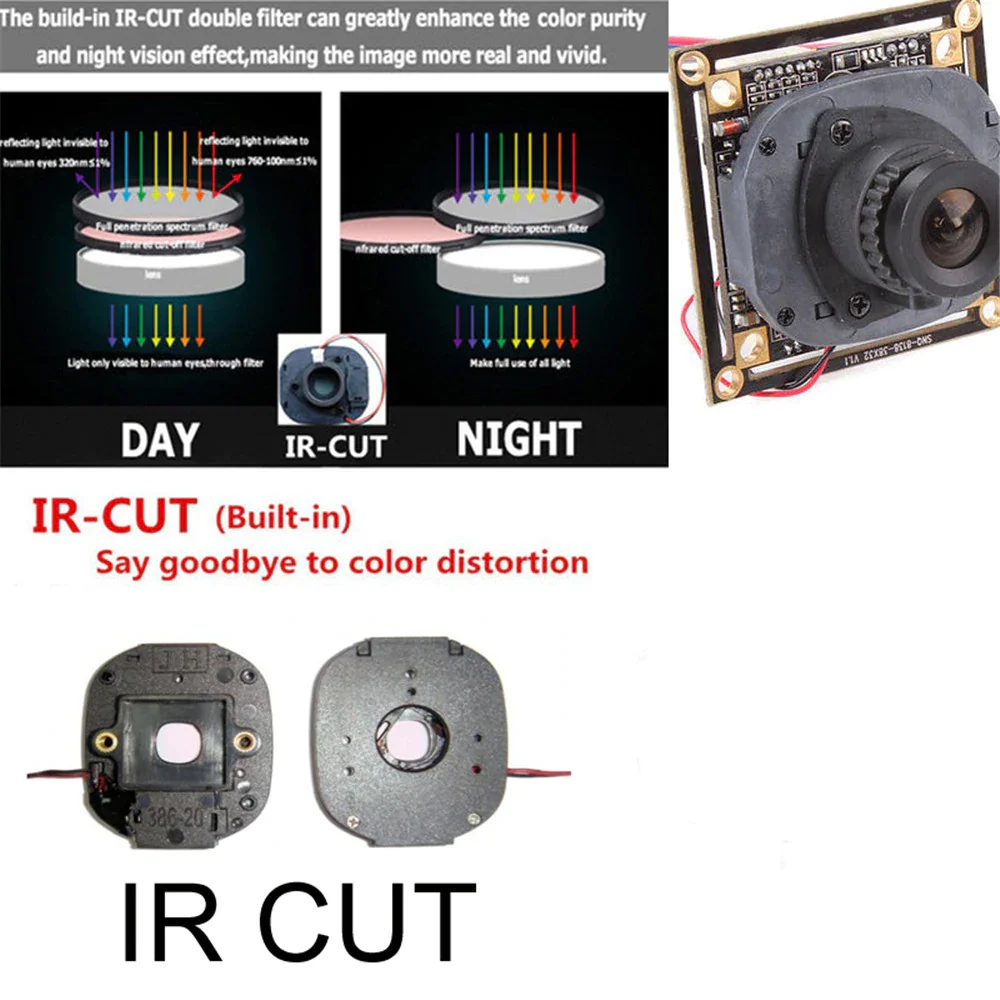
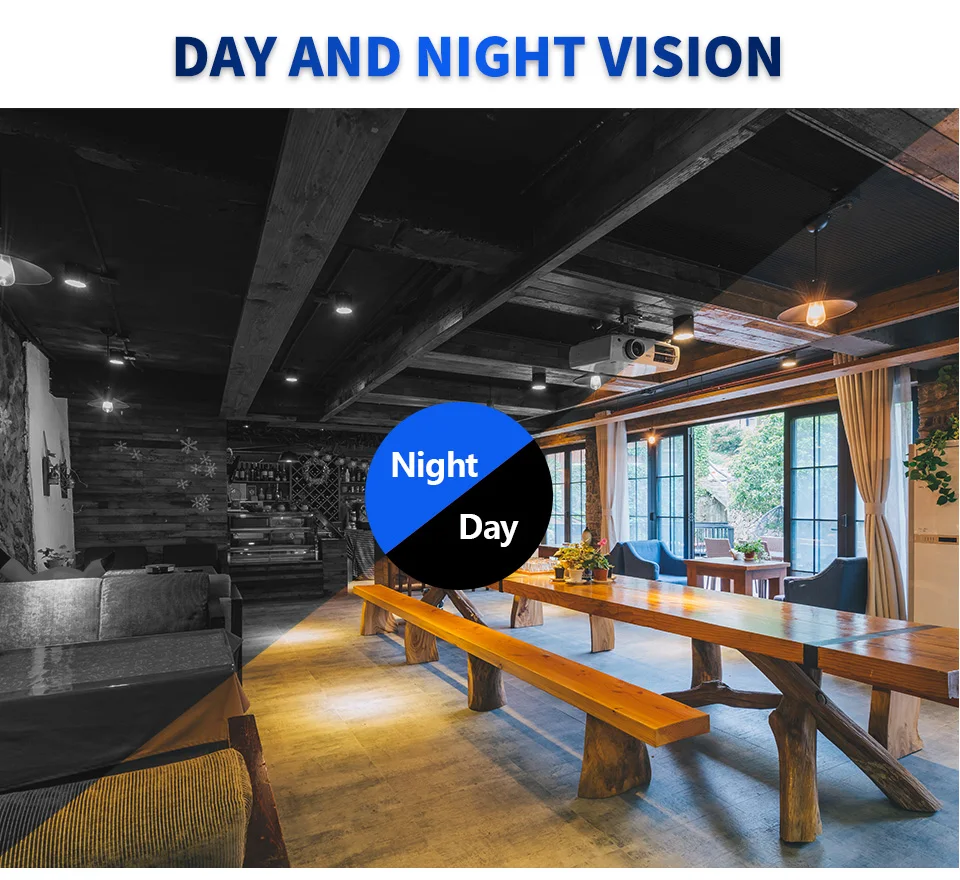
6. Support IR night vision and color night vision
7. Support alarm pictures to send E-mail
8. Support alarm pictures uploaded to FTP server
9. Support timer captured picture uploaded to Micro SD card and FTP server
10. Support Intelligent P2P technology, plug and play.
11. Support about 10 users view at same time
12. Support motion detection alarm(can set multiple regions and sensitivity) and sensor alarm
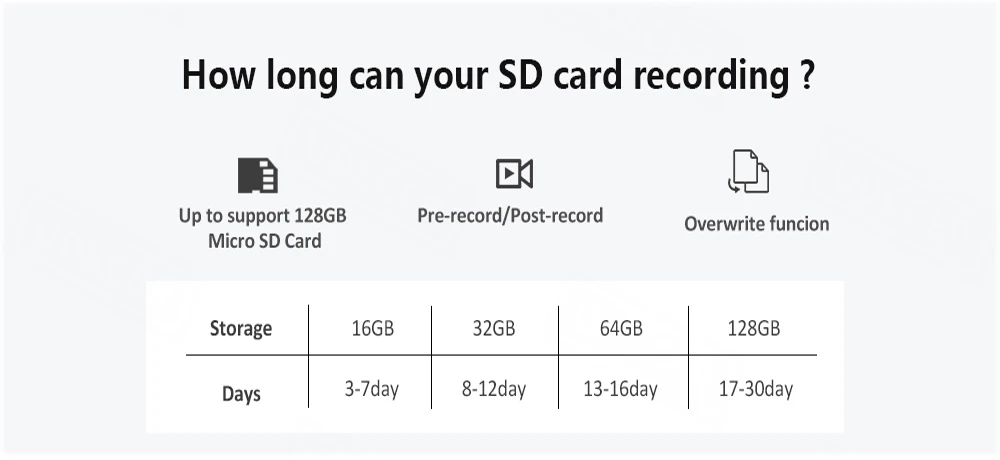
13.Support Micro SD card: Max. 128G TF card, local storage with your data, more security
14. H.265 compression format, real-time monitoring and high-definition video simultaneously
15.Support abundant network protocal: TCP/IP, HTTP, TCP, UDP, SMTP, FTP, DHCP, DNS,DDNS, NTP,UPNP, RTSP, and so on.
4G option is not supported
2MP WIFI= 1080P WIFI Camera
5MP WIFI= 1080P WIFI Camera
2MP WIFI IMX307= 1080P(SONY IMX307 sensor) WIFI Camera
5MP WIFI IMX335= 1920P(SONY IMX335 sensor) WIFI Camera
8MP WIFI IMX415= 4K 8MP(SONY IMX415 sensor) WIFI Camera
WIFI option is not supported
2MP 4G EU= 1080P 4G European version Camera
5MP 4G EU= 1920P 4G European version Camera
2MP 4G EU IMX307= 1080P(SONY IMX307 sensor) 4G European version Camera
5MP 4G EU IMX335= 1920P(SONY IMX335 sensor)4G European version Camera
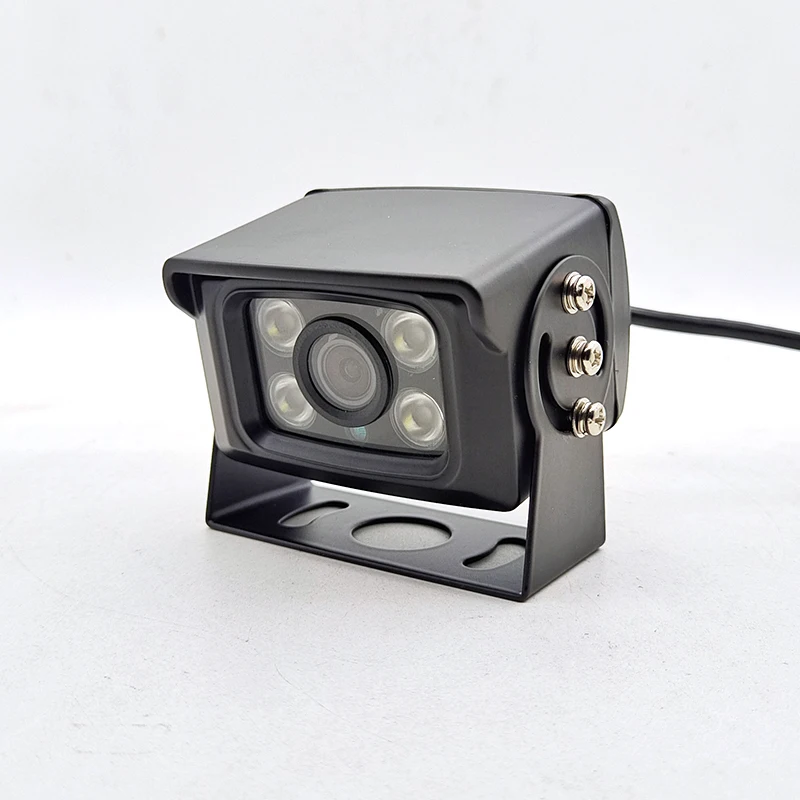
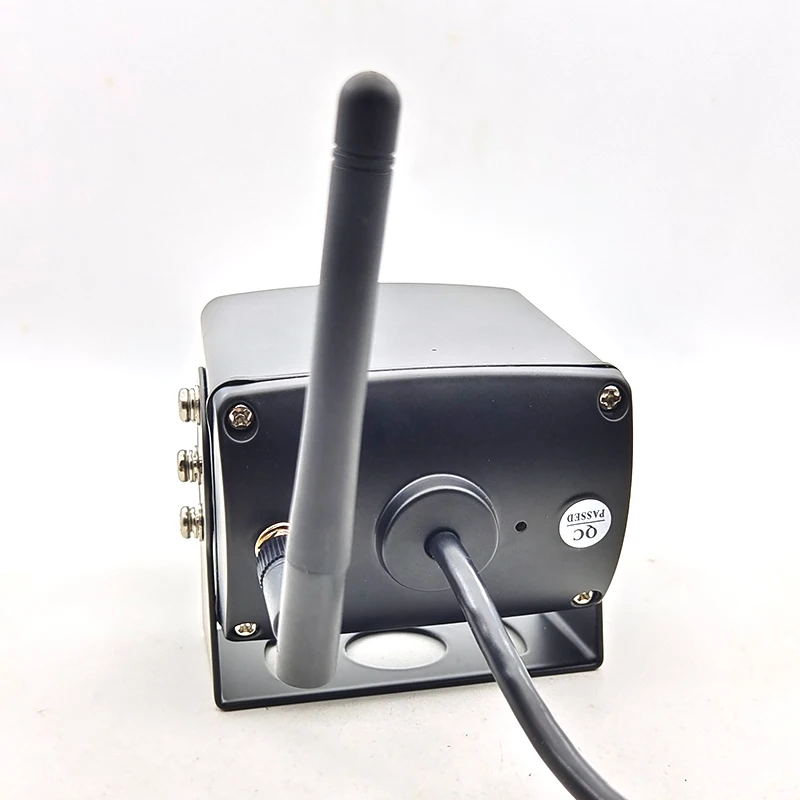
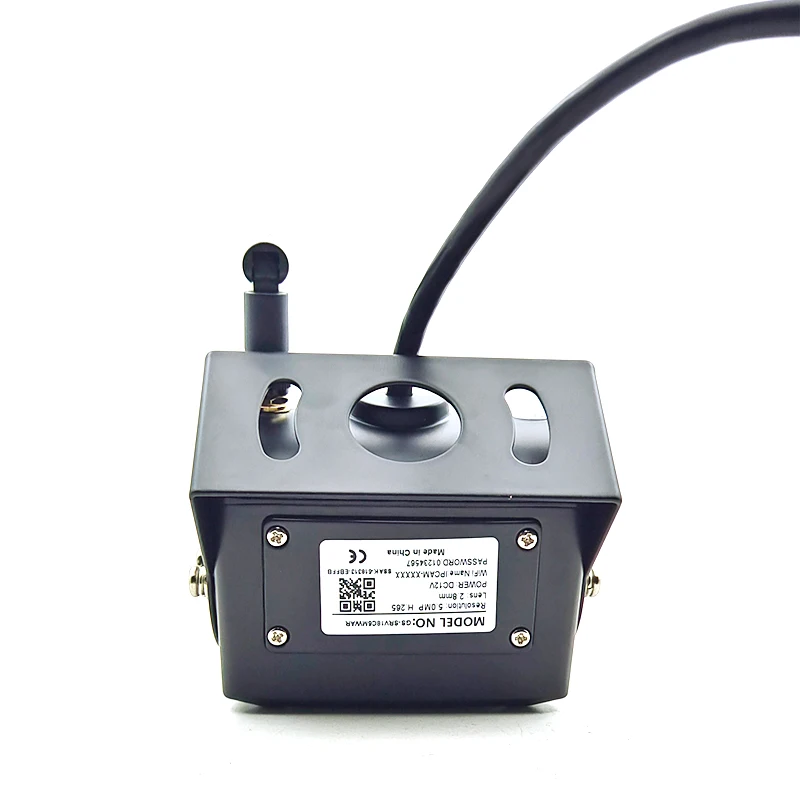
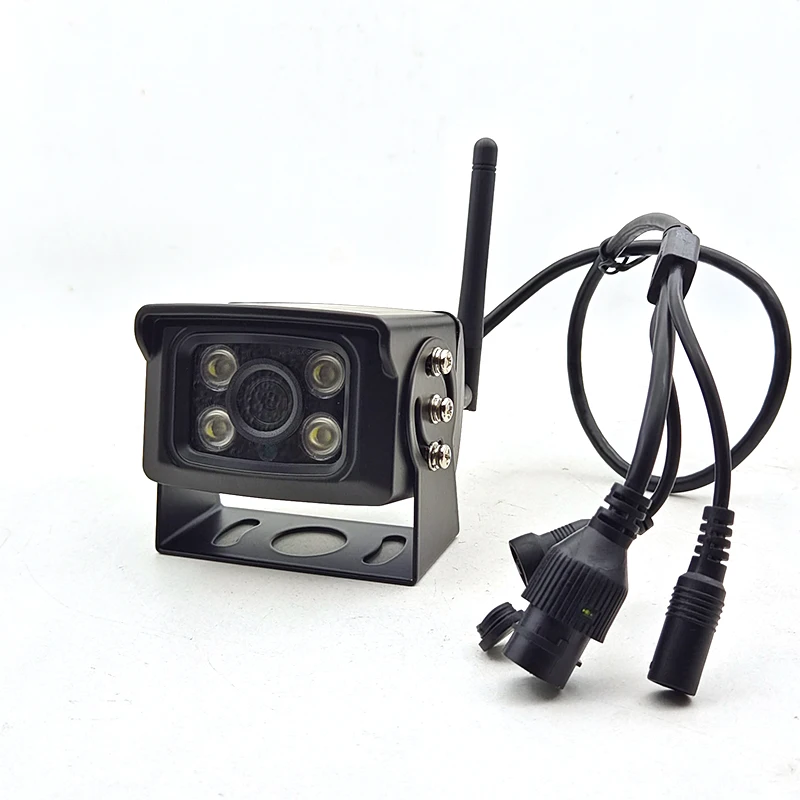
TF Card Recording
*Local Storage TF Card Max 128G(Optional).
If the buyer want other sizelens please 'Leave Message to Seller' to notify us when bidding.
Thanks for your attention to our products.if you have any question ,pls fell free to contact with us !
we will replyed you within 24hours!!!
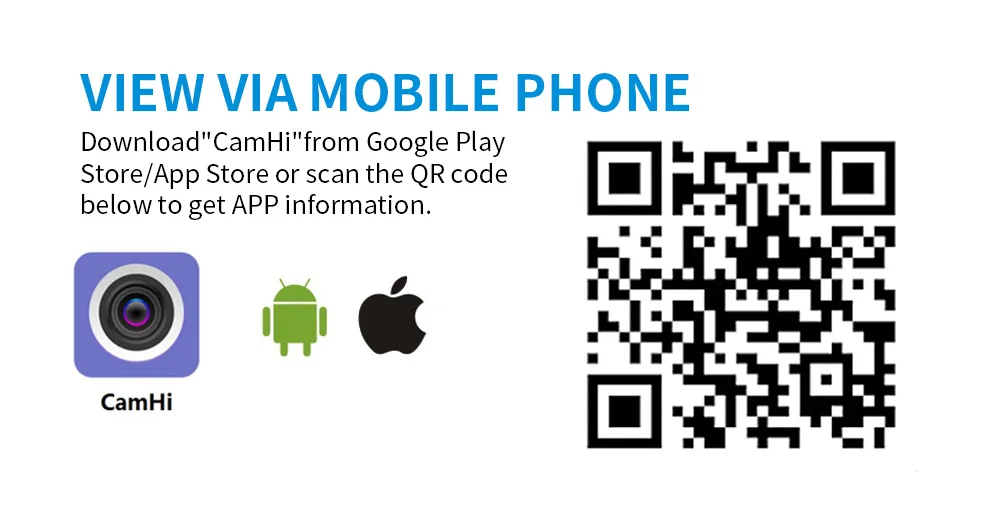
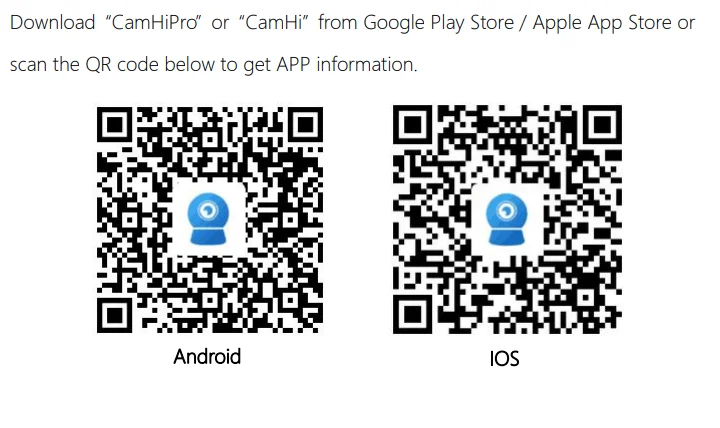
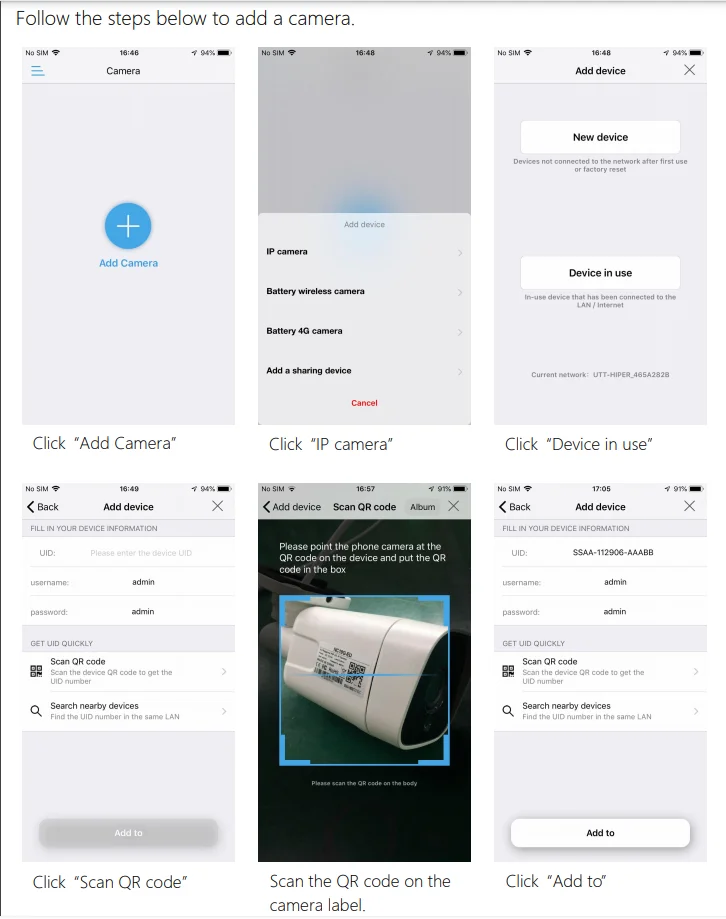
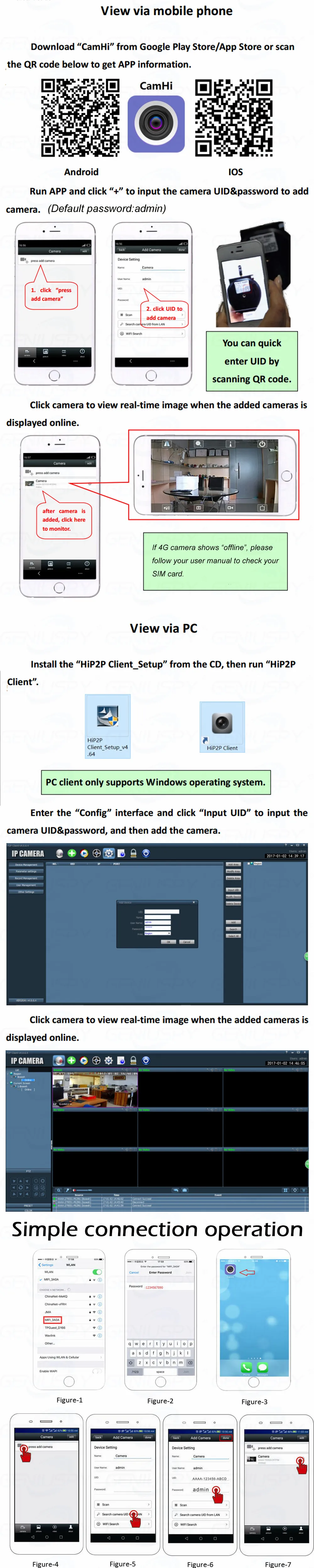
1. Open App Camhipro/ Camhi
2. Choose " Add Camera"
3. Choose ' 4G Camera"
4. Choose " Scan QR Code"
5. Scan the QR Code of the device
6. You can see camera is online, and you can zoom in/out to see the image.
How to use it